RELOAD YOUR ONEPASS


HOW IT WORKS
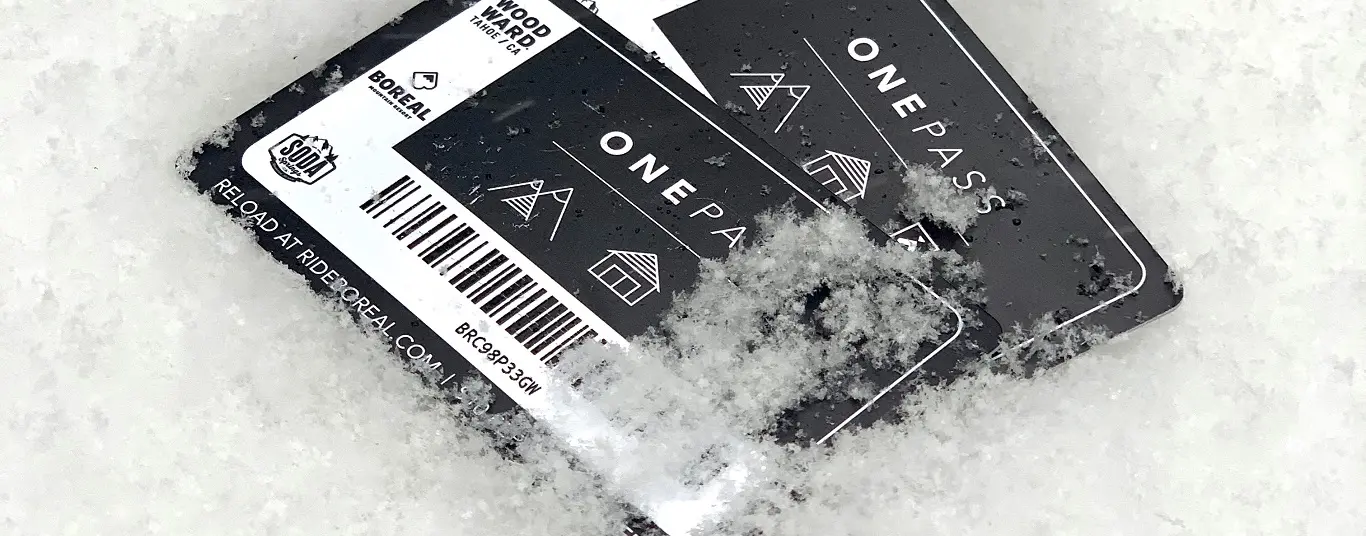
Already have a OnePass? Great! Choose your Go-Time Ticket date and arrival time, tubing session, or lesson and proceed to checkout. Make sure you assign your group members to each product, especially if you're checking out for more than one person. Once your group members are assigned, you'll be able to choose "reload" before your final checkout steps. Now is the time to locate the alpha numeric OnePass number on front of your card. You’ll either confirm that the OnePass number in your possession exactly matches the one on your online account's guest profile OR if a OnePass number isn't present, you’ll enter the OnePass number for yourself and/or each of your group members. Make sure the correct OnePass numbers correspond to the correct guest, there should be names on each existing card. After completing checkout your OnePass will automatically be loaded up with your new ski/ride ticket or other product, which means you can go direct-to-lift or direct-to-tubing on your next visit. Yay!